




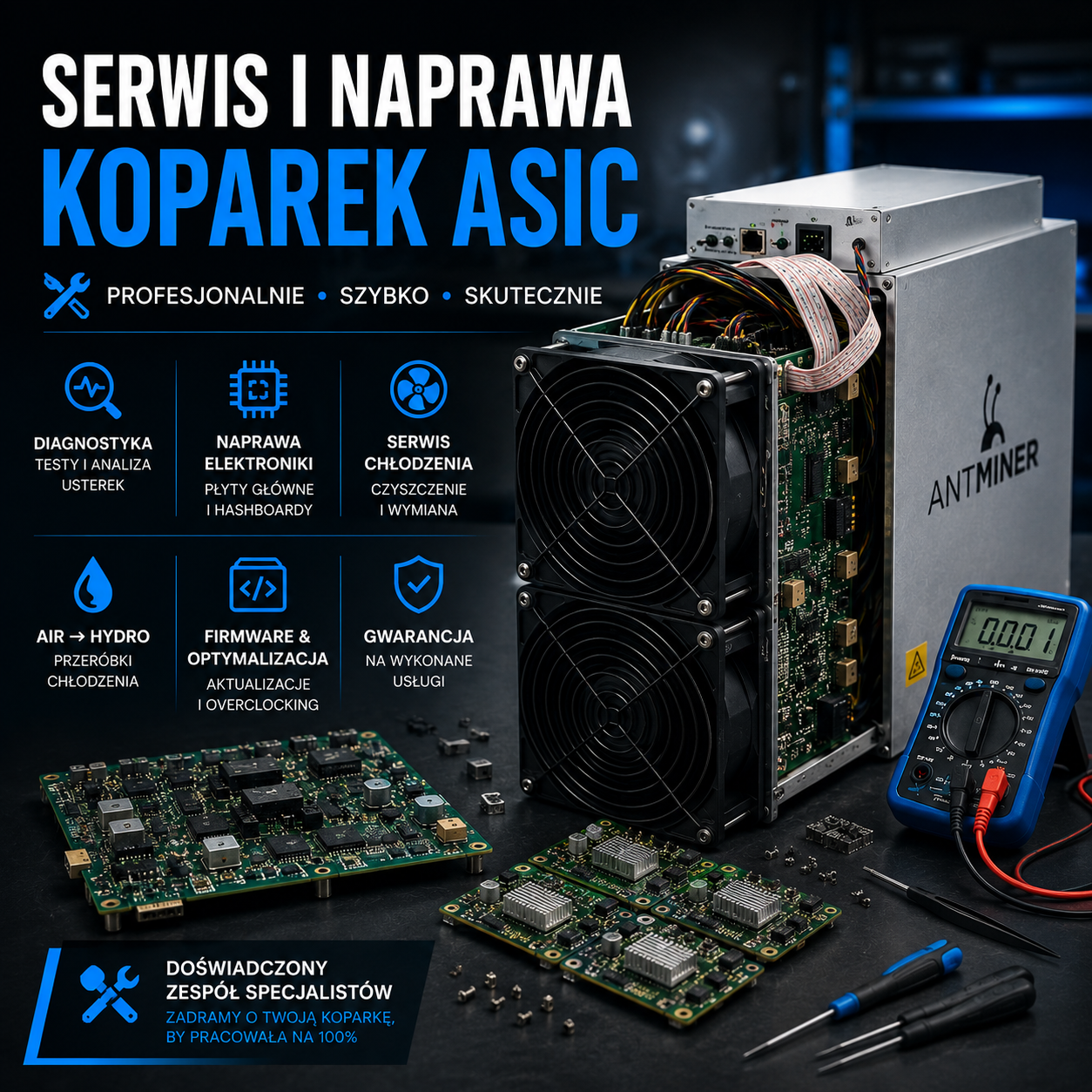
ASIC Excavator Service and Repair – Professional Diagnostics and Repair of Equipment
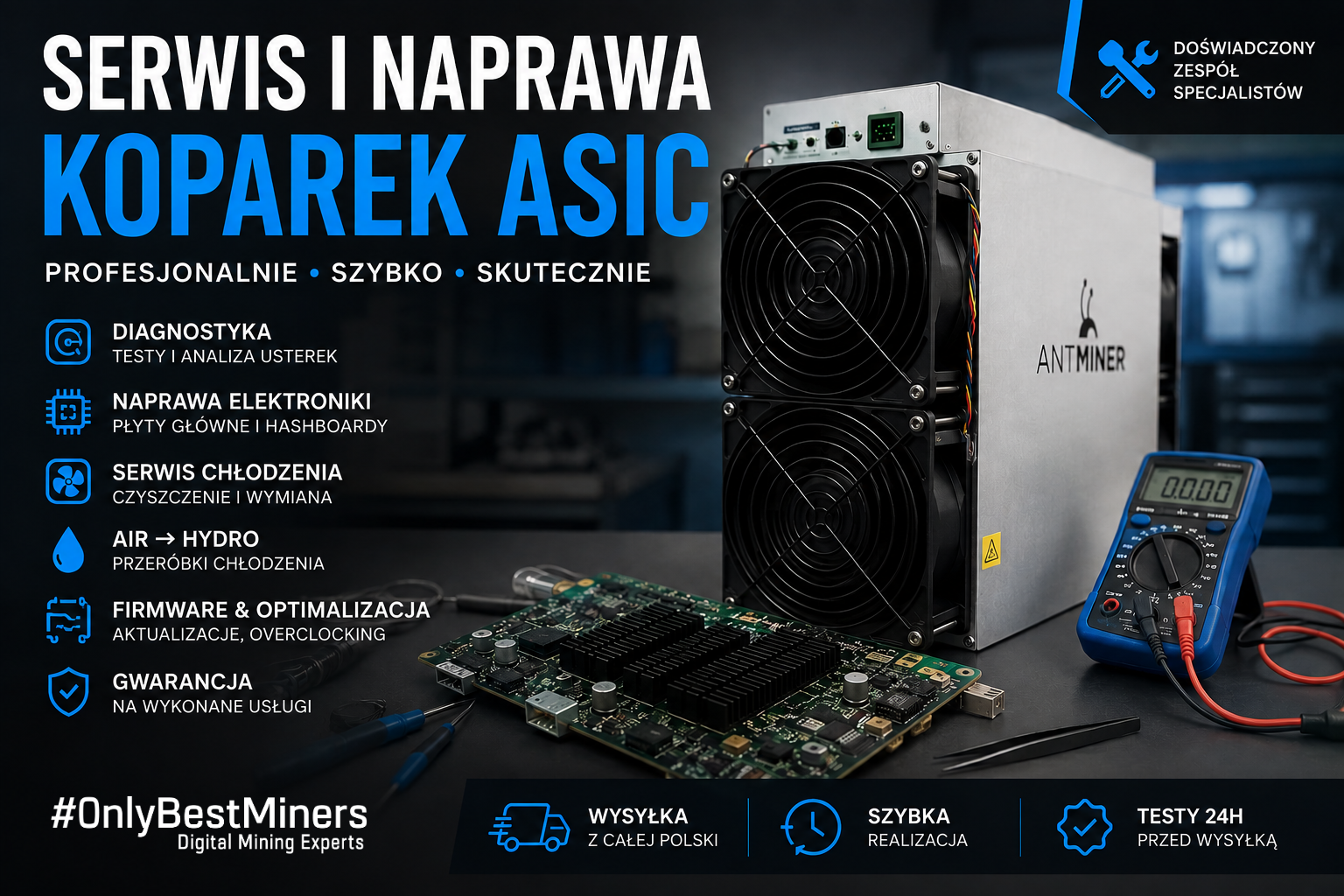
ASIC miners operate around the clock, often under heavy loads and in demanding conditions. High temperatures, dust, fan wear, power supply issues, or software errors can lead to reduced performance, unstable operation, or even a complete shutdown of the device.
ASIC’s professional excavator service allows you to quickly pinpoint the cause of a malfunction, minimize equipment downtime, and restore the machine to full operational capacity. In this guide, we explain which faults occur most frequently, how diagnostics are performed, and when it makes economic sense to repair a hashboard, power supply, or cooling system.
Table of Contents
- Why do ASIC miners fail?
- The Most Common Problems with ASIC Excavators
- What does a professional diagnostic evaluation involve?
- Repair of hashboards and electronics
- AIR, HYDRO, and IMMERSION Cooling
- Firmware, Overclocking, and Downclocking
- What types of devices do we service?
- Frequently Asked Questions
Why do ASIC miners fail?
An ASIC miner is a device designed to continuously perform a very large number of calculations. Unlike a regular computer, it typically operates nonstop, 24 hours a day, 7 days a week. This means constant strain on the chips, power supply components, fans, and the power supply unit.
Temperature is the biggest enemy of electronics. If a device is operating in a dusty room, has limited airflow, or has malfunctioning fans, heat is not properly dissipated. This leads to instability, chip errors, a drop in hashrate, and accelerated wear and tear on components.
The Most Common Problems with ASIC Excavators
Symptoms of a malfunction can vary widely. Sometimes the miner starts up but achieves too low a hashrate. In other cases, the device fails to detect one of the boards, overheats, restarts, or does not respond at all when powered on.
- Hashboard not detected – the system sees fewer boards than it should, or does not detect any.
- Low or unstable hashrate – the device does not meet the manufacturer’s specifications or periodically loses power.
- ASIC chip errors – some chips fail to respond, report errors, or overheat.
- Restarting the machine – the excavator shuts down and restarts under load.
- Temperatures are too high —the fans are running at maximum speed, and the device is limiting its power output.
- Power supply failure – no power, unstable voltage, overheating, or unusual noises.
- Firmware issues —unable to access the control panel, startup errors, or a failed update.
- Damage caused by flooding or power surges —corrosion, short circuits, burnt components, or damaged circuit traces.
What does a professional diagnostic check of an ASIC excavator involve?
A thorough repair should always begin with a complete diagnostic check. The error message displayed on the device’s panel does not always indicate the actual cause of the malfunction. A problem with the hashboard may result from, among other things, damage to the chip, communication line, power supply, temperature sensor, controller, or power supply unit.
Checking the startup process, logs, temperatures, hashrate, and the device’s behavior under load.
Control of hashboards, control board, power supply, fans and temperature sensors.
Voltage measurements, short circuit location, communication line inspection and board analysis under a microscope.
Once the extent of the damage has been determined, the customer receives information about the possible repair method and its costs.
The device is tested under load to confirm stability, temperatures and correct hashrate.
Repair of hashboards and electronics
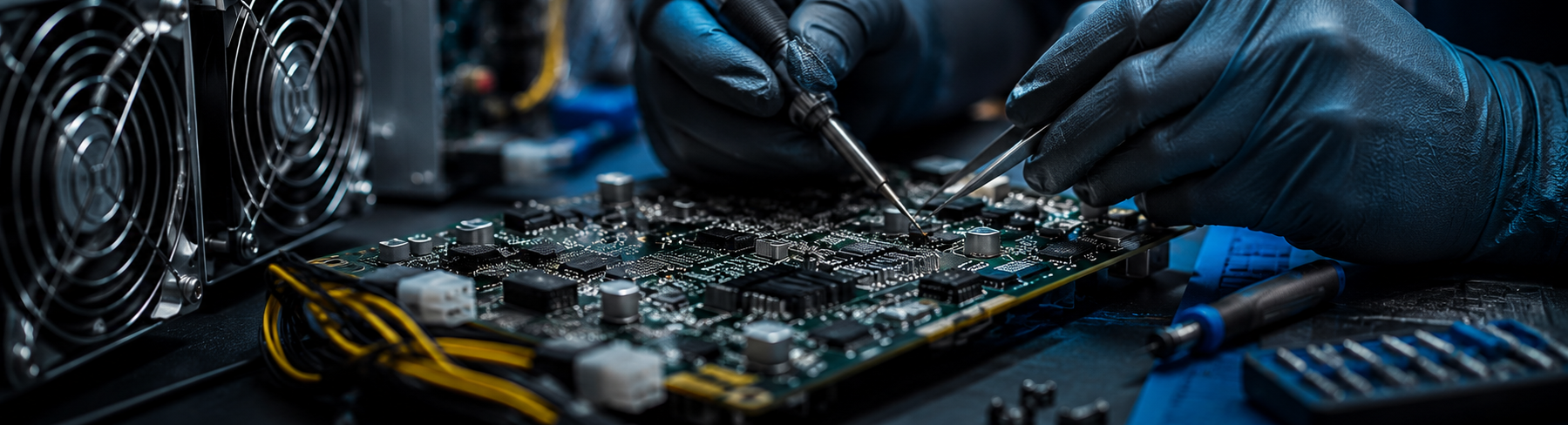
The hashboard is one of the most important and heavily loaded components of an ASIC miner. It is where the specialized chips responsible for performing calculations are located. Damage to a single chip, power supply component, or communication line can cause the entire chip chain to shut down or result in the board not being detected.
Professional hashboard repair isn’t just about replacing the entire board. In many cases, it’s possible to locate and fix the problem at the component level, which can be much more cost-effective than buying a new board.
The scope of electronics repairs may include:
- replacement of damaged ASIC chips,
- repair of the power supply section,
- repair of communication lines,
- troubleshooting short circuits and replacing damaged components,
- Soldering SMD and BGA components under a microscope,
- repair of damaged traces and solder pads,
- Voltage and functional tests after the repair is completed.
When does it make sense to repair a hashboard?
The decision depends on the value of the device, the availability of parts, the extent of the damage, and the cost of a new motherboard. For newer models, repairing the electronics is often the most sensible solution. However, in cases of extensive damage, a technician may recommend replacing the component.
ASIC Miner Cooling: AIR, HYDRO, or IMMERSION?
An efficient cooling system has a direct impact on the device’s stability, performance, and service life. Excessively high temperatures can cause chip errors, power throttling, reboots, and permanent damage to the electronics.
Air-Cooled System Service
For standard AIR excavators, it is essential to regularly clean the heat sinks, air ducts, and fans. Worn-out fans should be replaced, and the condition of the thermal paste and thermal pads should be checked.
| Cooling Type | Key advantages | Applications |
|---|---|---|
| AIR | Simple design, easy to use, no plumbing required. | Residential and commercial installations with good ventilation. |
| HYDRO | Lower temperature, quieter operation, and stable heat dissipation. | Systems with water circulation and heat recovery. |
| IMMERSION | Highly effective cooling, noise reduction, and dust reduction. | Professional farms and dedicated immersion tanks. |
Conversion from AIR to HYDRO
Converting an excavator from air cooling to water cooling can reduce noise and improve thermal conditions. However, such a modification requires properly selected cooling blocks, a fluid circulation system, leak testing, and proper configuration of the equipment.
Preparing for Immersion Cooling
In an immersion system, the device operates while submerged in a special dielectric fluid. Before installation, the excavator must be properly prepared, any components not suitable for immersion must be removed, and the compatibility of the materials with the fluid being used must be verified.
Firmware, Configuration, and Performance Optimization
Not every malfunction is caused by electronic damage. Problems can also be caused by incorrect configuration, corrupted firmware, incorrect network settings, or a failed update.
- firmware updates and restores,
- configuration of pools and mining parameters,
- resetting the device and clearing system errors,
- Restoring devices after a failed flash or soft brick,
- selecting settings based on operating conditions and energy costs.
Overclocking ASIC Miners
Overclocking allows you to increase a device’s hashrate, but it usually also leads to higher power consumption and temperatures. Settings should be adjusted on a case-by-case basis, taking into account the device’s technical condition, power supply, and cooling performance.
Downclocking and Improving Efficiency
Downclocking involves reducing a device’s power to lower energy consumption, temperature, and noise. Depending on the model and the cost of electricity, it can improve performance and reduce the load on components.
What types of ASIC miners do we service?
Our service covers devices from the most popular manufacturers. Whether we can repair a specific model depends on the availability of parts, technical documentation, and the nature of the malfunction.
We service, among others, devices from the popular Antminer S19, S21, L9, KA3, Z15, and AL1 series, as well as select WhatsMiner models and devices from other manufacturers. For less common devices, repair options are determined on a case-by-case basis.
Why should you choose OnlyBestMiners?
Frequently Asked Questions
How long does it take to repair an ASIC miner?
Repair time depends on the model, the type of malfunction, the extent of the damage, and the availability of parts. Once the diagnosis is complete, we can provide a more accurate estimate of when the repair will be completed.
Is it worth repairing an ASIC miner?
In many cases, yes, especially when a single hashboard, chip, fan, power supply, or component of the power supply section is damaged. The final decision should take into account the cost of repair, the value of the device, and its current profitability.
Can an excavator be shipped via courier?
Yes. The device must be properly secured to prevent it from being damaged by impacts or shifting inside the package. It is best to arrange the shipping details before sending the package.
Do you repair hashboards and power supplies?
The scope of service includes diagnostics and repair of hashboards, control boards, cooling systems, and select power supplies. Repairability is confirmed after inspecting the specific component.
Do you perform conversions from AIR to HYDRO?
Yes, on certain models, it is possible to convert the system to water cooling. The scope of the modifications depends on the unit’s design and the planned installation.
Do you configure firmware and pools?
Yes. You can update the firmware, configure the network, set up pools, restore the device after a failed flash, and select operating parameters.
Are you having trouble with your ASIC miner?
Contact the OnlyBestMiners team. We will diagnose your device, determine the nature of the problem, and propose an appropriate solution.
Contact OnlyBestMinersOnlyBestMiners – sales, setup, and professional maintenance of ASIC miners.